
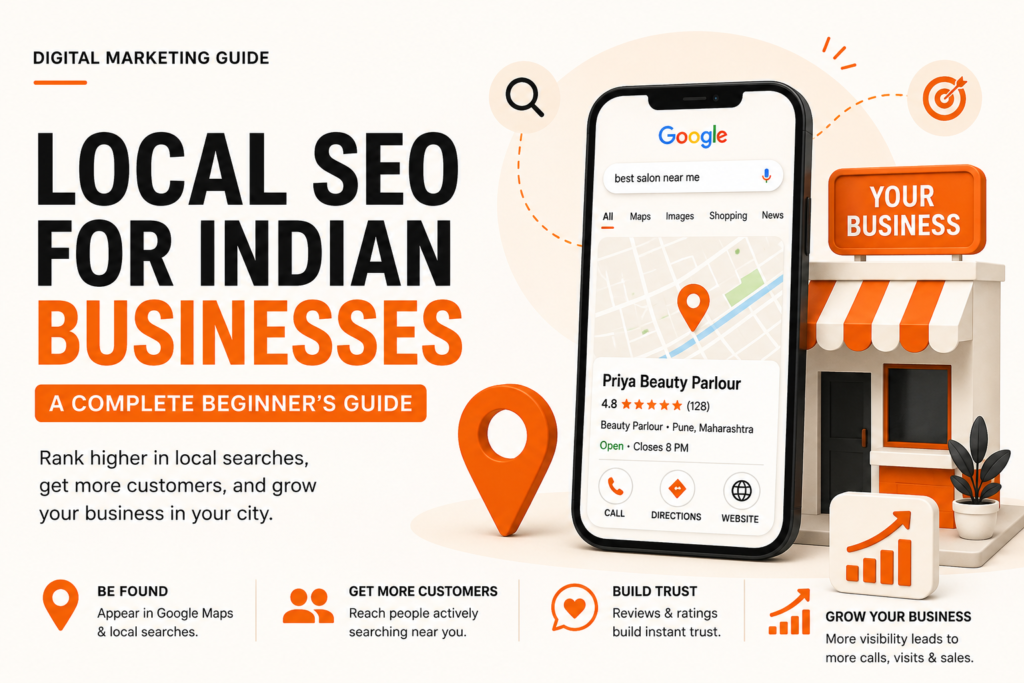
If you run a business in India — a salon in Pune, a CA firm in Chennai, a bakery in Bengaluru — and someone nearby searches for what you offer, do you show up? If the answer is “I’m not sure,” this guide is for you.
Local SEO is the process of optimising your online presence so that your business appears in search results when people nearby are looking for your products or services. It’s one of the highest-ROI digital marketing activities for small and medium businesses in India, and unlike paid ads, the results compound over time without spending money per click.
Let’s break it down from the beginning.
What is Local SEO, and Why Does It Matter for Indian Businesses?
When someone opens Google and types “dentist near me” or “best biryani in Hyderabad,” Google doesn’t just show websites — it shows a map with three business listings right at the top. That section is called the Local Pack or Google Map Pack, and it gets more clicks than almost anything else on the page.
Local SEO is everything you do to get your business listed and ranked there.
For Indian businesses, this matters more than ever. Smartphone penetration has crossed 750 million users, and “near me” searches in India have grown by over 200% in recent years. Your customers are searching on mobile, often in their native language or a mix of English and Hindi, and they want answers fast. Local SEO puts you in front of them at exactly that moment.
Step 1 — Claim and Optimise Your Google Business Profile
The single most important thing you can do for Local SEO is set up your Google Business Profile (GBP). This is the free listing that appears on Google Maps and in search results when someone looks for your business or businesses like yours.
Go to business.google.com and either claim your existing listing (Google may have already created one from publicly available data) or create a new one.
Once you have access, here is what to fill in completely:
Your business name should match exactly what appears on your shopfront or visiting card. Do not add keywords to your business name — Google can suspend listings that do it. A salon called “Priya Beauty Parlour” should not be listed as “Priya Beauty Parlour — Best Salon in Mumbai.” That is against Google’s guidelines.
Your category selection is critical. Choose the primary category that most accurately describes your core business. If you are a CA firm, select “Chartered Accountant” not “Financial Consultant.” You can add secondary categories too. The right category directly affects which searches trigger your listing.
Your address and service area must be accurate. If customers visit your physical location, add your address. If you go to customers (like a plumber or home tutor), you can hide your address and set a service area by pin code or city instead.
Your phone number should be a local number where possible. A Mumbai business should ideally show a Mumbai number or a mobile number, not just a toll-free line.
Business hours need to be accurate and updated for Indian holidays. A listing that says “Open” on a national holiday when your shop is actually closed creates a terrible customer experience and can hurt your reviews.
Photos are more important than most businesses realise. Add real photos of your storefront, your team, your products, and your interior. Listings with good photos get significantly more direction requests and website clicks. Avoid stock photos entirely.
Step 2 — Get Your NAP Consistent Everywhere
NAP stands for Name, Address, Phone Number. For Google to trust your business listing, your NAP must appear identically across every platform where your business is mentioned — your website, Justdial, Sulekha, IndiaMart, Facebook, Instagram, and anywhere else.
Even small inconsistencies confuse Google’s algorithm. “Shop No. 3, FC Road” on one platform and “3, FC Road, Pune” on another counts as inconsistent. Pick one format and use it everywhere.
In India, the most important local directories to be listed on are:
Justdial is still one of the highest-traffic local directories in India and sends real customers. Ensure your listing is claimed, accurate, and has photos.
Sulekha works well for service businesses — electricians, tutors, beauticians, photographers.
IndiaMart is relevant if you supply products to other businesses.
Bing Places for Business is often ignored but should not be — it syncs with other Microsoft platforms and is worth the five minutes it takes to set up.
Your own website’s contact page, footer, and the local schema markup on your site (more on that below) also need to match your GBP exactly.
Step 3 — Build Reviews Consistently
Reviews are one of the strongest ranking signals in local search. Businesses with more recent, relevant, and high-rated reviews consistently outrank those without them — even if the others have better websites.
The challenge most Indian business owners face is that customers don’t leave reviews unless prompted. The habit simply isn’t as ingrained here as it is in Western markets. That means you have to ask.
The best time to ask is right after a positive customer interaction. If a customer says “thank you so much, the food was amazing,” that is your moment. Share your Google review link directly — you can generate a short link from your GBP dashboard. Send it over WhatsApp if you have the customer’s number. Make it a one-tap action for them.
Never offer incentives for reviews. Google explicitly prohibits this and it can get your listing penalised.
When you receive a review — positive or negative — respond to it. A warm, personal response to a five-star review shows future customers that you’re attentive. A calm, helpful response to a negative review shows that you handle problems professionally. Both build trust.
Step 4 — Optimise Your Website for Local Search
Your website and your Google Business Profile work together. Here is what your website needs to do well for local SEO.
Create a dedicated Contact page with your full NAP exactly as it appears on your GBP. Embed a Google Maps widget of your location. This small step helps Google confirm your location data.
Add local keywords naturally throughout your website content. If you run a yoga studio in Koramangala, Bengaluru, your homepage should mention “yoga classes in Koramangala” and “yoga studio in Bengaluru” in a natural, readable way — not stuffed into every sentence. Write for your customer first, and weave in location context wherever it fits naturally.
Add LocalBusiness schema markup to your site. Schema is structured data code that tells search engines exactly what your business is, where it is, and what it does. If you are not technical, ask your web developer to add it, or use a plugin if your site is on WordPress. The information in your schema must match your GBP exactly.
If your business serves multiple cities or has multiple branches, create a separate location page for each one. A chain of clinics with branches in Andheri, Thane, and Navi Mumbai should have three separate pages — each optimised for that specific area with unique content, local keywords, and the correct NAP for that branch.
Step 5 — Create Locally Relevant Content
Content is often overlooked in Local SEO, but it can be a significant differentiator. Most small businesses in India have no blog, no FAQ section, and no educational content on their site. This is an opportunity.
Write content that answers questions your local customers are actually asking. A real estate agent in Gurgaon could write about “property registration process in Haryana” or “RERA rules for Gurgaon buyers.” A restaurant in Bandra could write about “best dishes to try in Bandra” (and naturally include their own). A CA firm could explain GST filing deadlines in plain language.
This kind of content attracts organic search traffic, earns backlinks from local blogs and news sites, and signals to Google that your business is genuinely relevant to your area.
Step 6 — Use Google Posts and the Q&A Section
Most businesses completely ignore two powerful features inside Google Business Profile.
Google Posts allow you to publish updates, offers, events, or news directly to your listing. These appear in your listing on Google Search and Maps. If you are running a Diwali sale, announce it as a Google Post. If you have new timings, post it. Fresh posts signal that your business is active, which can positively affect rankings.
The Q&A section lets anyone ask questions about your business, and anyone can answer. This means if you do not monitor it, incorrect information can sit on your listing for months. Go to your listing, check the Q&A section, and answer every question already there. Then proactively add your own frequently asked questions and answer them yourself. Think of it as a free FAQ section directly on Google Search.
Common Local SEO Mistakes Indian Businesses Make
Adding keywords to the business name on GBP is the most common mistake. It feels intuitive — “surely it helps me rank for those keywords” — but it violates Google’s guidelines and risks your listing getting suspended.
Ignoring negative reviews is the second biggest mistake. Unanswered negative reviews signal to potential customers that you don’t care. Always respond, always stay calm, and always try to take the resolution offline.
Having inconsistent NAP across platforms confuses Google and dilutes your local authority. Audit all your listings every six months.
Not optimising for mobile is a critical oversight. The majority of local searches in India happen on mobile. Your website must load fast and display perfectly on a phone. If it doesn’t, you’re losing customers the moment they click through.
Creating identical location pages for different cities is a form of thin content that Google devalues. Each location page must have genuinely unique content — not the same text with the city name swapped out.
A Quick Local SEO Checklist for Indian Businesses
Before you close this tab, here is a short action list to work through this week:
Go to business.google.com and fully complete your Google Business Profile — every field, real photos, accurate hours.
Search for your business name on Justdial and Sulekha to check if a listing already exists and whether it needs updating.
Ask your last five happy customers to leave a Google review and send them your review link on WhatsApp.
Check that your business name, address, and phone number on your website footer and contact page match your GBP exactly.
Write one piece of locally relevant content for your website — even a 400-word FAQ page counts.
Final Thought
Local SEO is not a one-time task. It is an ongoing process of keeping your information accurate, collecting reviews, publishing fresh content, and staying active on your listing. But the businesses that do it consistently — even at a basic level — have a significant advantage over those that don’t.
In a market as competitive and mobile-first as India, showing up in that top local result when a nearby customer is ready to buy is one of the most valuable things digital marketing can do for your business. And Local SEO is how you get there.
Written by Kriya | digitalkriya.co.in